iOS 27 Public Beta: Release Date, New Features, and Should You Install It?
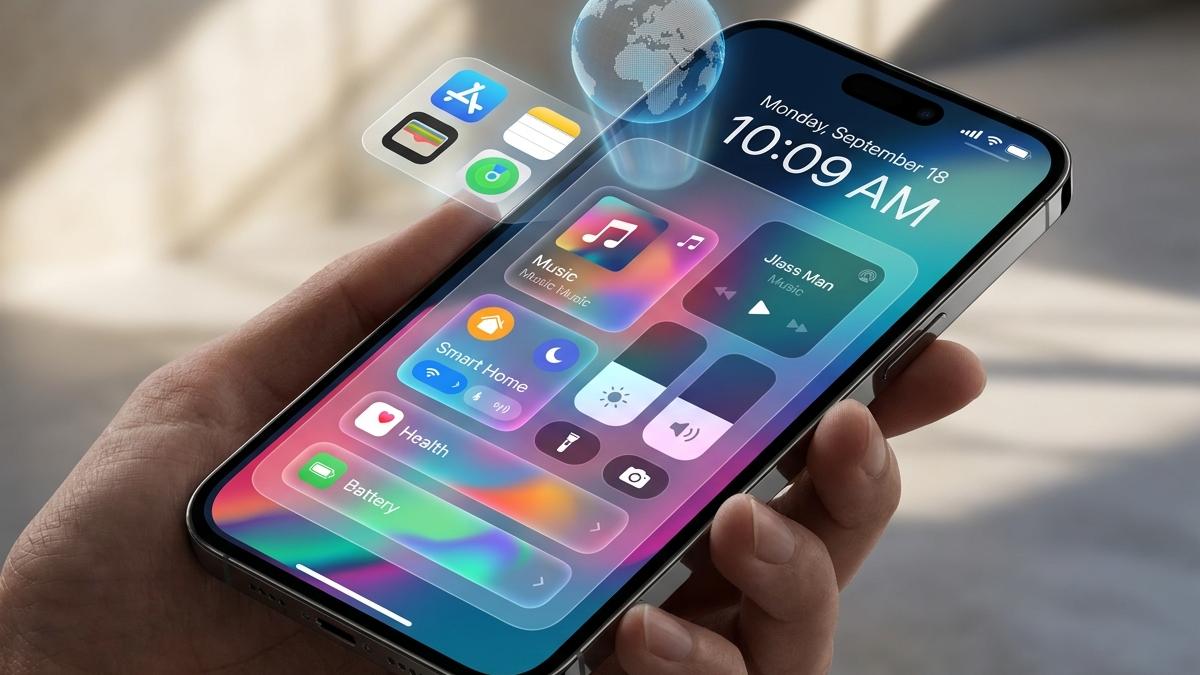
iOS 27 public beta is here: Siri AI, Liquid Glass upgrades, faster performance, and a full guide on whether you should install it now.
Apple just released the iOS 27 public beta, and search interest is spiking across the US as iPhone users scramble to find out what's inside, whether their device qualifies, and how risky it really is to install. Here's the complete, up-to-date breakdown.
Quick Answer
The iOS 27 public beta became available on July 13, 2026, following three developer betas released after WWDC in June. It works on any iPhone that currently supports iOS 26 (iPhone 11 and newer), and the final, stable version is expected around September 14, 2026, alongside the new iPhone lineup.
When Did the iOS 27 Public Beta Release?
Apple kept to its usual two-week beta cadence this cycle:
- June 8 – iOS 27 Developer Beta 1 (released same day as the WWDC keynote)
- June 22 – Developer Beta 2
- July 6 – Developer Beta 3
- July 13 – First Public Beta (identical build to Developer Beta 3)
Historically, Apple's first public betas land somewhere between July 11 and July 24, so this year's release is right on schedule. Expect the final, general release to ship in September, timed closely with Apple's annual iPhone announcement event.
Which iPhones Support iOS 27?
iOS 27 supports the exact same device list as iOS 26 meaning iPhone 11 and every model released since can install it. If your phone is currently running iOS 26 without issues, it qualifies for the beta.
That said, some of the flashier AI features are limited to Apple Intelligence-capable hardware (iPhone 15 Pro and newer), so older supported devices will get the performance and interface improvements without every AI feature.
What's New in iOS 27
Siri AI: The Headline Feature
This is the biggest overhaul Siri has seen in years. The new Siri AI behaves less like the old voice-command assistant and more like a full conversational AI — closer in spirit to ChatGPT or Claude. It comes with its own dedicated Siri app that keeps a history of your conversations, and it can:
- Search the web in real time
- Pull from your personal data (Photos, Mail, Messages, Calendar) to give more relevant answers
- See what's currently on your screen and act on it
- Take multi-step actions across different apps
- Offer customizable voice options, including pace and expressiveness
Siri AI appears inside the Dynamic Island: ask a question, and a "Search or Ask" bubble expands into a larger translucent panel styled with Liquid Glass.
Visual Intelligence in the Camera
Point your camera at anything in the real world and ask Siri about it. The system can identify objects, extract text or details, scan barcodes, analyze a meal, and even create calendar events automatically from what it sees.
Liquid Glass Gets Refined
Last year's controversial "Liquid Glass" redesign returns with real improvements. iOS 27 adds a new slider under Settings > Appearance that lets you control how transparent or tinted the interface looks so if you found the original design too glassy (or not glassy enough), you can now dial it in yourself. Apple has also improved text readability against the glass effects, addressing one of the most common complaints since launch.
Noticeably Faster Performance
Apple says app launches, AirDrop transfers, photo processing, keyboard load times, unlocking, Home Screen navigation, and general system animations are all faster in iOS 27 and crucially, these improvements extend to older supported devices like the iPhone 11, not just the newest models.
Smarter Safari
Safari now automatically groups related tabs and organizes bookmarks by topic. It can also monitor webpages for changes and let you build browser extensions using plain natural-language instructions instead of code.
AI Photo Editing Tools
The Photos app gains new AI-powered cleanup, extension, and reframing tools, letting you adjust a photo's perspective or remove unwanted elements. Siri is also more deeply integrated here, so you can ask it to find a specific photo from years ago just by describing it.
Enhanced Child Safety Features
Screen Time gets a redesign, giving parents more granular control over what kids can see, who they can talk to, and how their screen time is managed.
Small but Useful Extras
- A redesigned Reminders app icon and smoother lock screen and Control Center animations
- iCloud+ subscribers on certain storage tiers get two additional perks at no extra cost
- Companion updates across the ecosystem: iPadOS 27, macOS 27 "Golden Gate," watchOS 27, tvOS 27, and visionOS 27 all ship their own public betas alongside iOS 27, plus a public AirPods beta with a new custom equalizer and adaptive audio slider
How to Install the iOS 27 Public Beta
- Back up your iPhone first via iCloud or your computer. This step matters more than people think, since rolling back to iOS 26 later may require erasing your device entirely.
- Go to beta.apple.com and sign up for the free Apple Beta Software Program using your Apple Account.
- Accept the program terms and enroll your device.
- On your iPhone, open Settings > General > Software Update > Beta Updates.
- Select iOS 27 Public Beta.
- Return to the Software Update screen and tap Update Now.
Make sure you have enough free storage, a stable Wi-Fi connection, and a healthy battery charge before starting.
Should You Install It on Your Main iPhone?
Early impressions describe this as one of the more stable first betas Apple has shipped in years some testers are comparing it to Apple's old "Snow Leopard" strategy of prioritizing polish over piling on new features. Even so, a few real risks remain:
- Third-party apps may lag behind. Developers typically wait for the official release before updating their apps, so expect occasional compatibility issues.
- Battery drain is still common in early betas, even relatively stable ones.
- Bugs happen. Use the built-in Feedback Assistant app to report anything you run into.
If you rely on your phone for work or daily life, the safer move is to install the beta on a secondary or older device, or simply wait for the second or third public beta before updating your primary iPhone.
Frequently Asked Questions
Is the iOS 27 public beta free? Yes. Anyone can join the Apple Beta Software Program at no cost and install the public beta.
What's the difference between the developer beta and public beta? They're functionally the same build today's public beta is identical to Developer Beta 3. The main difference is that the public beta doesn't require a paid developer account.
When will iOS 27 officially release? Apple is expected to release the final version around September 14, 2026, alongside its next iPhone announcement.
Can I go back to iOS 26 if I don't like the beta? Yes, but reverting usually requires restoring your iPhone as new through iTunes/Finder, which erases your data so make sure you have a backup first.
Does iOS 27 work with the iPhone 11? Yes. iOS 27 supports the same device list as iOS 26, including the iPhone 11 and every model released since.
iOS 27 is shaping up to be a genuinely significant update, mostly because of how central AI has become not as an add-on, but as the backbone of Siri and several built-in apps. Combined with real performance gains on older devices and a more refined Liquid Glass design, this is one of the more compelling betas Apple has released in recent memory.
If you've got a spare iPhone lying around, now's a great time to try it. If not, September isn't far off.
About the writer

Founder & Writer · EveryTuesdays
You May Also Like
Browse All
The Quiet Luxury Secret: Why the Truly Wealthy Look Poor (And the Broke Look Rich)
That $100k Ferrari doesn't prove someone's rich it proves they have $100k less. Here's why real wealth is built to stay invisible.

Earning More Than Your Family: Why Success Feels Like Betrayal
Why does hitting a financial milestone feel like betrayal instead of victory? Your attachment system may be reading success as a threat to belonging.
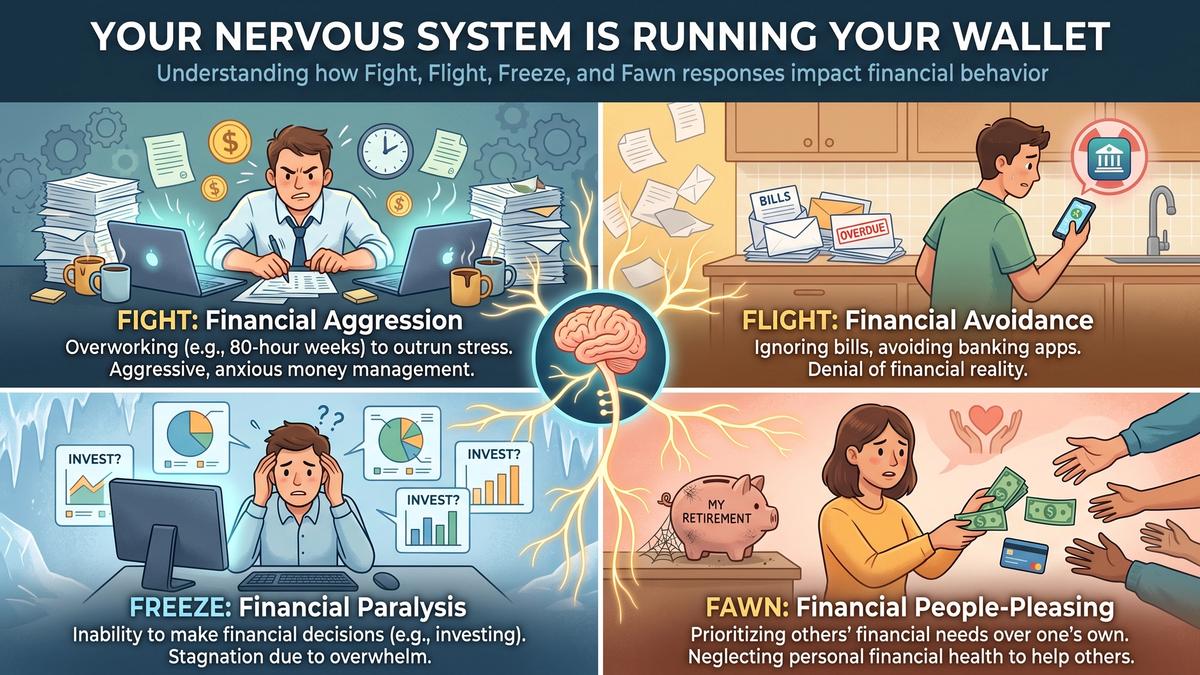
Your Nervous System is Running Your Wallet: Fight, Flight, Freeze, and Fawn in Finance
Overworking, avoiding bills, freezing on decisions, over-giving to others these aren't habits. They're survival responses your body chose for you.