What is SaaS (Software as a Service)? A Simple, Clear Guide
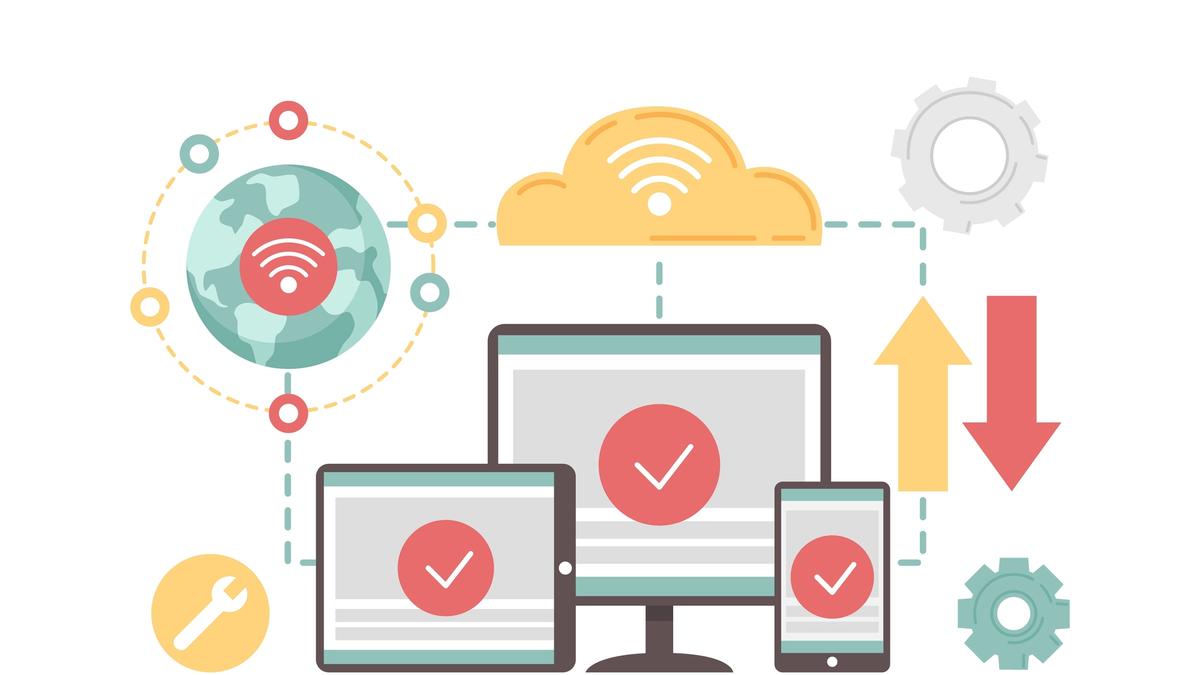
Learn what SaaS (Software as a Service) means, how it works, real-world examples, key benefits, and why SaaS is the future of software.
What is SaaS (Software as a Service)? A Simple, Clear Guide
If you’ve used Gmail, Netflix, Google Docs, or Dropbox, then you’ve already used SaaS — even if you didn’t realize it.
SaaS stands for Software as a Service.
It’s a way of delivering software over the internet instead of installing it on your computer. Instead of buying a program once and running it from your device, you access it online through a web browser and usually pay a monthly or yearly subscription.
Today, SaaS is one of the most popular and fastest-growing technology models in the world. Businesses of all sizes rely on SaaS tools to run operations, manage customers, automate tasks, and grow faster.
What Does Software as a Service (SaaS) Mean?
At its core, SaaS is a cloud-based software delivery model.
In the past, if a company wanted to use software, they had to:
- Buy expensive licenses
- Install programs on every computer
- Manage servers
- Handle updates manually
With SaaS, all of that changes.
The software is:
- Hosted on the provider’s servers
- Managed and updated by the provider
- Accessed through the internet
- Available from any device
This makes SaaS extremely convenient, affordable, and scalable.
Simple Definition of SaaS
A simple way to understand SaaS is:
👉 Software you use online instead of installing on your computer.
You don’t own the software — you subscribe to it and use it as a service.
Real-Life Examples of SaaS
Some of the most popular SaaS platforms you probably already know include:
- Google Workspace – email, documents, and collaboration
- Microsoft 365 – online versions of Word, Excel, and PowerPoint
- Slack – team communication
- Zoom – video conferencing
- Shopify – eCommerce platform
- Salesforce – customer relationship management (CRM)
- Canva – online graphic design
All of these are SaaS products because:
- You access them online
- You don’t install anything complex
- You pay a subscription
- Updates happen automatically
How Does SaaS Work?
SaaS works using cloud computing.
Here’s what happens behind the scenes:
- The SaaS company builds and hosts the software on cloud servers
- Users sign up for an account
- They log in through a web browser or mobile app
- All data is stored securely online
- The provider handles maintenance, security, and updates
From the user’s point of view, everything is simple and hassle-free.
You just log in and start using the tool.
Key Characteristics of SaaS
Software as a Service has several important characteristics that make it different from traditional software:
1. Cloud-Based Access
SaaS applications run entirely in the cloud.
You can access them from anywhere with an internet connection.
2. Subscription Pricing
Most SaaS tools use:
- Monthly plans
- Annual plans
- Pay-as-you-go pricing
This makes them affordable and flexible.
3. Automatic Updates
You never need to:
- Download new versions
- Install patches
- Upgrade manually
Everything is updated automatically by the provider.
4. Multi-Device Support
SaaS platforms work on:
- Laptops
- Desktops
- Tablets
- Smartphones
All with the same account.
5. Scalability
You can:
- Add more users
- Upgrade features
- Expand storage
Anytime, without technical headaches.
Benefits of SaaS for Businesses
SaaS has completely changed the way businesses use technology.
Here are the biggest advantages:
Lower Costs
Companies don’t need to buy expensive hardware or software licenses.
They simply pay a predictable subscription fee.
Easy to Use
Most SaaS tools are designed to be beginner-friendly.
No technical expertise is required.
Fast Setup
Traditional software could take weeks to install.
SaaS can be used immediately after signing up.
Remote Work Friendly
Since SaaS works online, teams can collaborate from anywhere in the world.
Better Security
Reputable SaaS companies invest heavily in:
- Data protection
- Backups
- Encryption
- System monitoring
Often more secure than self-hosted software.
Who Uses SaaS?
SaaS is used by:
- Small businesses
- Startups
- Large enterprises
- Freelancers
- Schools and universities
- Governments
- Nonprofits
Basically, anyone who needs software can benefit from SaaS.
Common Types of SaaS Applications
SaaS covers almost every business need, such as:
- CRM tools – Salesforce, HubSpot
- Project management – Trello, Asana
- Accounting – QuickBooks Online
- Marketing tools – Mailchimp
- Customer support – Zendesk
- Design tools – Canva
- Collaboration – Google Docs
Whatever task a business needs, there is likely a SaaS solution for it.
Is SaaS the Future of Software?
Absolutely.
The world is moving away from installed software and toward cloud-based services.
SaaS offers:
- More flexibility
- Lower costs
- Easier management
- Better accessibility
That’s why thousands of new SaaS startups are launched every year.
Final Thoughts
So, what is SaaS?
In simple terms:
SaaS (Software as a Service) is software delivered over the internet, accessed through a browser, and paid for as a subscription.
It has transformed the way individuals and businesses use technology, making powerful tools affordable, accessible, and easy to manage.
Whether you are a business owner, student, or entrepreneur, SaaS is already part of your daily life — and its importance will only continue to grow.
About the writer

Founder & Writer · EveryTuesdays
You May Also Like
Browse All
No-Code + AI: How Indie Hackers Are Building Apps With Bubble, Lovable & GPT in 2026
AI has supercharged no-code. Discover how indie hackers are combining Bubble, Lovable, and GPT-4 to build smarter apps faster and the tools making it possible in 2026.
How to Monetize a No-Code App: Pricing, Payments & Getting to $1K MRR
Built your no-code app now make it profitable. The complete monetization guide for indie hackers: pricing models, Stripe setup, conversion tactics, and reaching $1K MRR.
How to Validate a No-Code App Idea Before Building Anything (The 2-Week Method)
Stop building apps nobody wants. This 2-week validation method helps indie hackers confirm real demand, find paying customers, and avoid the #1 no-code startup mistake.